

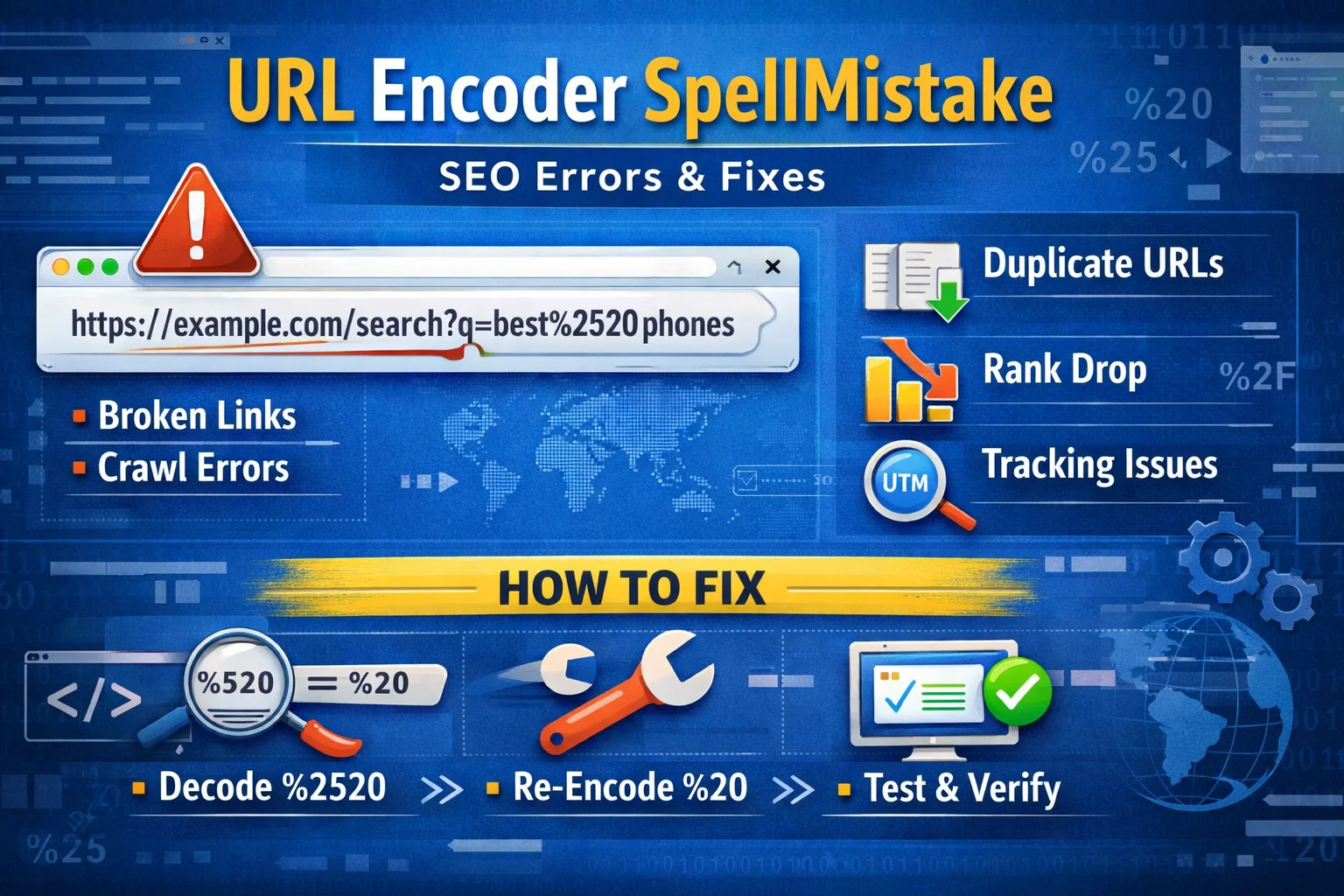
In the digital world, even the smallest typo can create unexpected technical issues. One of the most overlooked yet impactful problems developers and website owners face is related to incorrect URL encoding caused by spelling mistakes or improper formatting. These “URL encoder spellmistakes” may seem minor, but they can break links, disrupt user experience, and even affect SEO performance if not handled correctly.
To understand this better, we need to first explore how URL encoding works and why even a small error can cause such noticeable problems.
What URL Encoding Actually Means
URL encoding is the process of converting special characters, spaces, and unsafe symbols into a format that can be transmitted over the internet. For example, a space is converted into %20, and symbols like & become %26.
This ensures that browsers and servers interpret web addresses correctly without confusion. However, when spelling mistakes occur in encoding or when developers manually input incorrect encoded values, the result is often a broken or misdirected link.
A simple mistake like writing %2G instead of %20 can completely disrupt how a URL is interpreted.
How Spellmistakes Happen in URL Encoding
Errors in URL encoding usually don’t happen randomly. They are often the result of human oversight, automation glitches, or misunderstanding of encoding rules. Some common causes include:
- Typing incorrect hexadecimal values
- Manually editing encoded URLs without validation
- Copy-pasting links from unreliable sources
- Using outdated tools or libraries
- Confusion between similar-looking characters
Interestingly, many beginners assume encoding is forgiving, but even a single incorrect character can change the meaning of an entire URL.
Resolving a URL Encoding Failure in Production
I once worked on a website migration project where product URLs were being redirected incorrectly. Everything looked fine at first glance, but users kept reporting “Page Not Found” errors.
After hours of debugging, we discovered that a batch of URLs had a subtle encoding issue—spaces were incorrectly encoded due to a small typo in the script generating them. Instead of %20, some links had %2O (letter O instead of zero). That tiny difference caused the entire redirection system to fail for hundreds of pages.
It was a reminder that in web development, precision is not optional—it’s essential.
Why URL Encoder Mistakes Matter for SEO
Search engines rely heavily on clean and consistent URLs. When encoding errors exist, they can lead to:
- Broken pages being indexed
- Duplicate content issues
- Loss of link equity
- Poor crawlability
- User frustration due to dead links
Even if the content is high quality, a malformed URL can prevent search engines from properly accessing or ranking it.
Comparison: Correct Encoding vs Common Mistakes
| Element | Correct Encoding | Common Spellmistake | Result |
|---|---|---|---|
| Space | %20 | %2O (letter O) | Broken link |
| Ampersand (&) | %26 | & (unencoded) | URL parsing error |
| Slash (/) | %2F | / (misused in parameters) | Path confusion |
| Hash (#) | %23 | # (raw use in query) | Fragment loss |
| Plus (+) | %2B | + (misinterpreted as space) | Wrong data transfer |
This comparison highlights how small inaccuracies can lead to completely different outcomes in how a browser interprets a URL.
How to Detect URL Encoding Issues
Spotting encoding errors early can save a lot of troubleshooting time. Some practical methods include:
- Using browser developer tools to inspect request URLs
- Checking server logs for 404 or malformed requests
- Running URLs through online decoding tools
- Validating links before publishing content
- Automating URL generation instead of manual editing
Modern web systems often include built-in encoding functions, but manual oversight is still necessary.
Preventing URL Encoding Mistakes
Prevention is always better than fixing broken links later. A few reliable practices include:
- Always use trusted encoding functions instead of manual input
- Avoid editing encoded URLs directly unless necessary
- Standardize URL generation in your system
- Implement validation checks before publishing pages
- Train content teams on basic URL structure rules
Once these habits are in place, the chances of encoding-related issues drop significantly.
The Hidden Impact on User Experience
From a user’s perspective, a broken URL is simply a dead end. They don’t see encoding errors—they just see “page not found.” Over time, repeated failures can reduce trust in a website and increase bounce rates.
Even worse, if users share broken URLs on social media or messaging platforms, the issue spreads further, impacting traffic from multiple sources.
The Compounding Effect of URL Encoding Issues
One overlooked reality is that URL encoding mistakes rarely stay isolated. A single incorrect pattern in a template can generate hundreds or thousands of broken links automatically. This is especially common in dynamic websites, e-commerce platforms, and content management systems.
That’s why engineers often treat URL encoding as a system-level concern rather than a one-time fix.
Read More: 212.32.266.234 Explained: Meaning, Errors & Fixes Guide!
Conclusion
URL encoding may seem like a small technical detail, but its accuracy plays a major role in web performance, SEO, and user experience. Even a minor spelling mistake in encoded values can lead to broken links, indexing issues, and traffic loss.
By understanding how encoding works, recognizing common mistakes, and applying preventive practices, developers and website owners can maintain cleaner, more reliable digital systems. In the end, precision in URLs is not just about technical correctness—it’s about ensuring smooth access to information across the web.
FAQs
1. What is a URL encoder spellmistake?
It refers to incorrect or misspelled encoded characters in a URL, often caused by typing or formatting errors.
2. Can URL encoding mistakes affect SEO?
Yes, they can lead to broken links, crawl errors, and indexing problems that negatively impact SEO.
3. How do I fix a broken encoded URL?
You can decode it, identify incorrect characters, and re-encode the URL properly using reliable tools or functions.
4. What is the most common URL encoding mistake?
A very common issue is replacing %20 with incorrect variations like %2O or forgetting to encode special characters.
5. How can I prevent encoding errors in my website?
Use automated encoding functions, validate URLs before publishing, and avoid manual editing of encoded strings.
